Browlens
Free AI eyebrow shape analyzer with six-point brow mapping and AI brow previews
The story
Overview
Browlens is an AI-powered eyebrow analysis and preview tool designed for anyone exploring their ideal brow shape. The app uses artificial intelligence to automatically detect facial and eyebrow landmarks on your uploaded photo, then lets you manually refine the placement using six draggable control points. You can adjust brow thickness, length, angle, spacing, overall height, and arch height to customize the shape. Once you finalize your brow placement, you can choose from multiple brow styles (Natural, Soft Angled, Feathered, Arched, Straight, or Defined) and generate an AI photo preview showing how that style would look on your face. The app also provides a balance report that compares arch height and brow length differences between your left and right brows, helping you understand your natural brow symmetry. Browlens is free to use for brow mapping and shape analysis without signing up; generating AI photo previews requires an account and credits.
Key features
AI Landmark Detection
Automatically detects facial and eyebrow landmarks on your photo with guide lines for brow head, arch, and tail placement.
Six-Point Eyebrow Editor
Drag six control points to refine brow placement and adjust thickness, length, angle, spacing, height, and arch height.
Brow Balance Report
Compares arch height and brow length differences between your left and right brows using pixel measurements from your photo.
Eyebrow Filter Styles
Choose from six preset brow styles including Natural, Soft Angled, Feathered, Arched, Straight, and Defined to preview on your photo.
AI Photo Preview
Generate an AI image showing your customized brow shape and selected style on your face for realistic comparison.
Free Analysis Tools
Use brow mapping and shape analysis without signing up; only AI photo generation requires an account and credits.
Use cases
- 1
Brow Consultation Preparation
Analyze your natural brows and create previews to bring to a brow artist or stylist for a clear discussion of your desired shape.
- 2
At-Home Brow Styling
Explore different brow shapes and styles to decide what to try with everyday makeup or styling techniques.
- 3
Eyebrow Shape Exploration
Discover which brow styles suit your face shape by comparing different shapes and styles on your own photo.
- 4
Brow Symmetry Assessment
Use the balance report to understand differences between your left and right brows and identify areas you want to adjust.
FAQ
Can I use Browlens for free?
Yes. Brow mapping and shape analysis are free without signing up. Generating AI photo previews requires an account and credits; the cost is shown before you generate.
What photo should I upload?
Use a clear, front-facing portrait with even lighting, relaxed expression, and both eyebrows visible. Pull hair away from the brow line and avoid strong shadows. Accepted formats are JPG, PNG, or WebP up to 15 MB.
How do I manually edit my eyebrows?
Use the eyebrow editor to drag six control points and adjust thickness, length, angle, spacing, overall height, and arch height. You can adjust both brows together or refine each side individually.
Will the AI preview match my final salon result exactly?
The preview is a visual reference, not a prediction of exact results. Photo quality, your natural brows, and styling technique can affect the final outcome. Use it as a guide for discussing your desired shape with a brow artist.
What does the brow balance report measure?
It compares arch height and brow length between your left and right brows using photo pixel measurements. Camera angle and image quality can affect the numbers; use it to locate differences you want to inspect visually.
Tech stack & tags
Feedback & Discussion
Discussion
Sign in to leave a comment or rating.
No comments yet. Be the first.
More AI tools


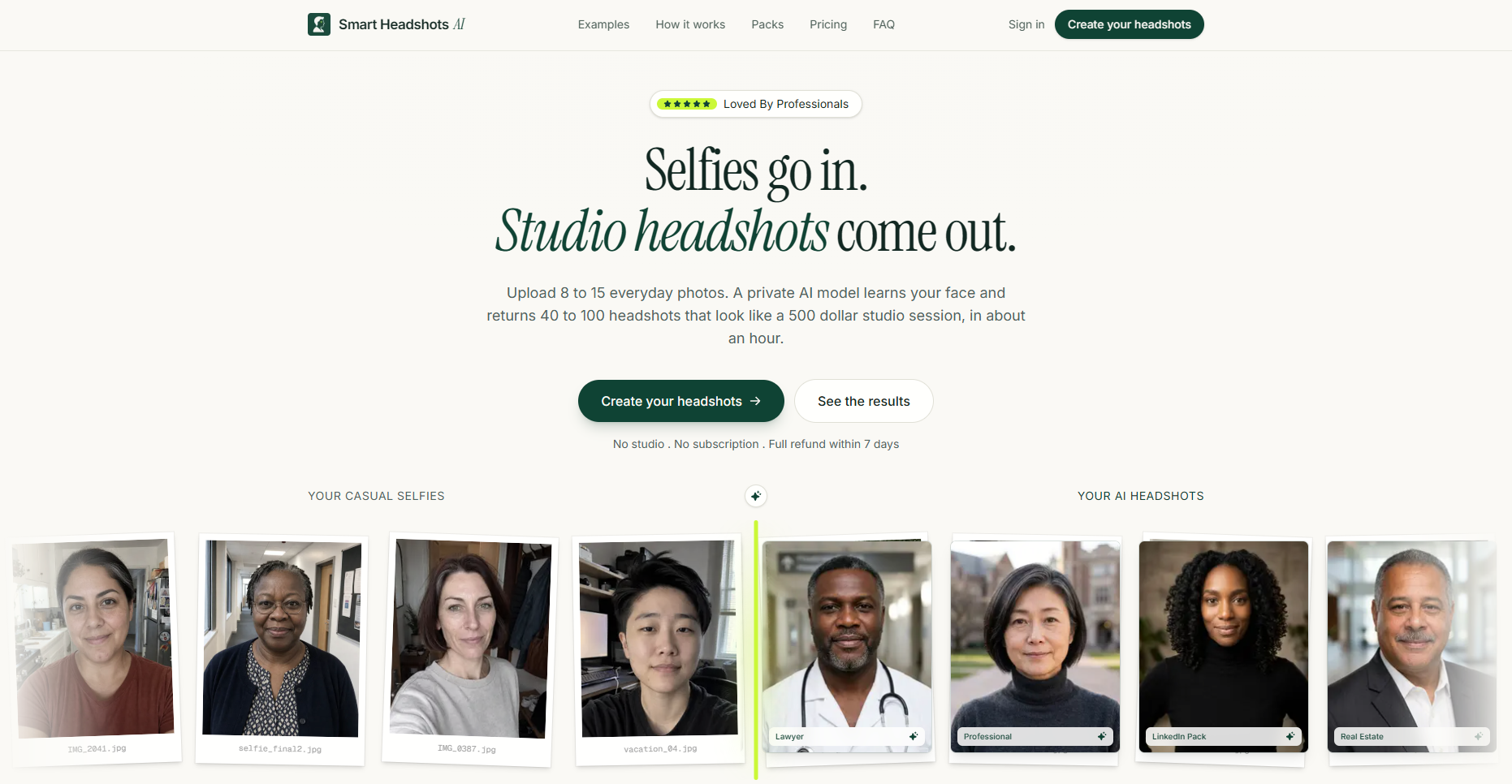
Turn 8–15 selfies into 40–100 professional AI headshots for LinkedIn, company profiles and press kits.