Color Mapper
Free color tools for designers, printers, and developers
The story
Overview
Color Mapper is a comprehensive, free color toolkit designed for designers, developers, and print professionals. It provides nine core color tools including a palette generator with six harmony rules, gradient builder, WCAG contrast checker, print gamut checker, color blindness simulator, and color wheel. The platform includes 18 format converters that translate between RGB, CMYK, HEX, HSL, and HSV color models. Every color swatch automatically displays CMYK values and flags out-of-gamut colors before they reach a press, bridging the gap between screen and print workflows. The toolkit runs entirely in the browser with no account required, making color values and code exports immediately accessible. It is built for teams that need accessibility compliance (WCAG 2.1 AA/AAA badges), print-safe palettes, and developer-friendly exports in CSS, Tailwind, or JSON formats.
Key features
Palette Generator
Generate color palettes using six harmony rules from a seed color, with lock and regenerate options and exports to CSS, Tailwind, or JSON.
Gradient Generator
Create linear, radial, and conic gradients with up to five stops and copy production-ready CSS.
WCAG Contrast Checker
Check color contrast ratios with AA/AAA badges, auto-fix suggestions, and full palette matrix analysis.
Print Gamut Checker
See how screen colors shift on CMYK press and flag out-of-gamut colors before printing.
Format Converters
Convert between RGB, CMYK, HEX, HSL, and HSV with sliders, history, and copy-ready values.
Color Blindness Simulator
Preview palettes under three common vision deficiencies including deuteranopia.
Use cases
- 1
Print and Web Design Teams
Ship unified color palettes from screen to press with CMYK values and gamut warnings on every swatch.
- 2
Accessibility-Focused Designers
Build WCAG-compliant palettes with contrast checking, AA/AAA badges, and color-blindness simulation across all tools.
- 3
Developers and Front-End Teams
Export color tokens as CSS variables, Tailwind theme configs, or JSON for direct integration into codebases.
- 4
Brand and Design Systems
Create print-safe, accessible color systems with tint and shade scales and consistent CMYK values.
FAQ
Do I need an account to use Color Mapper?
No. Every tool runs in the browser and you can copy values or export code without signing up.
What makes Color Mapper different from other palette generators?
Every swatch shows CMYK values and warns when a color sits outside the print gamut, so palettes survive the jump from screen to press. Exports come as CSS variables, Tailwind config, or JSON tokens.
Is RGB to CMYK conversion always exact?
RGB and CMYK use different color gamuts, so some screen colors shift when printed. The converters flag out-of-gamut colors, but always review a print proof for final production work.
What color models does Color Mapper support?
Color Mapper supports RGB, CMYK, HEX, HSL, and HSV with 18 converters between all five models.
Does Color Mapper upload images to a server?
No. Everything runs in your browser and images never upload to a server.
Tech stack & tags
Feedback & Discussion
Discussion
Sign in to leave a comment or rating.
No comments yet. Be the first.
More Design tools
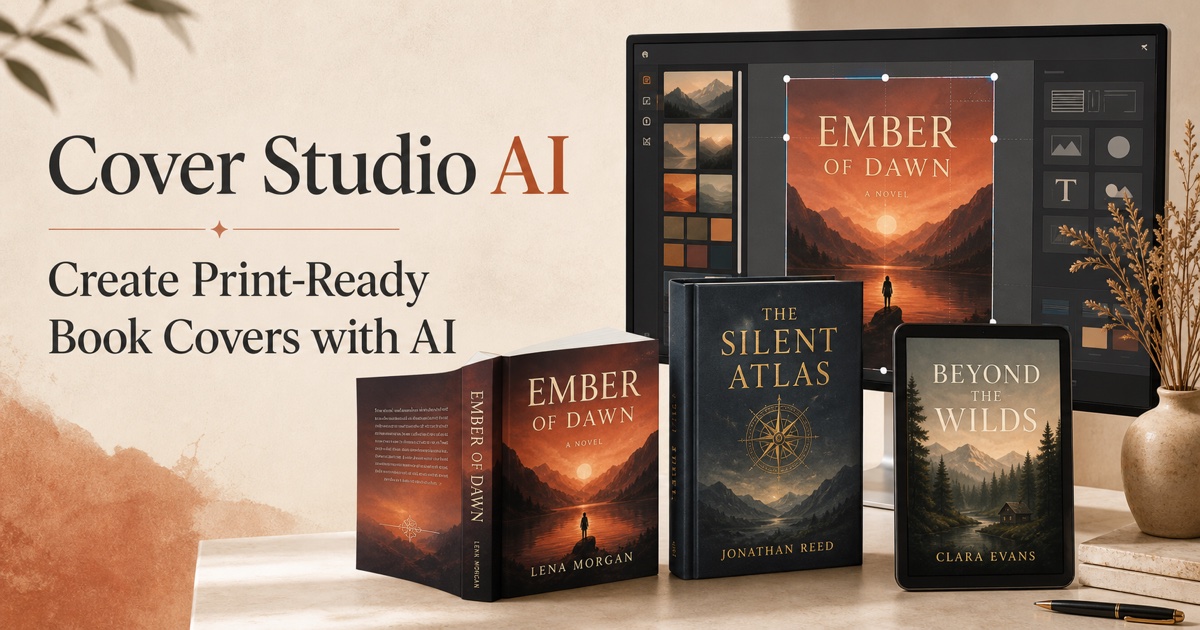
AI-powered book cover generator for Amazon KDP with print-ready exports