PFP Resizer
Quickly resize your profile picture for Instagram, Facebook, WhatsApp, and other platforms.
The story
Overview
PFP Resizer is designed for individuals and professionals who need to quickly and accurately resize their profile pictures for a wide range of social media and online platforms. The tool eliminates the hassle of manually adjusting image dimensions by providing exact size presets for platforms like Instagram, Facebook, LinkedIn, WhatsApp, Discord, and many more. Users simply upload their image, select the desired platform or a custom size, adjust the crop and position, and download the optimized image.
The platform is entirely web-based and does not require any account creation or software installation. It supports popular image formats such as JPG, PNG, and WebP, ensuring compatibility with most devices and use cases. All image processing is performed securely, and images are not stored after processing, prioritizing user privacy.
PFP Resizer is particularly useful for social media managers, content creators, business professionals, and anyone who wants to maintain a consistent and professional online presence. Its intuitive interface and live preview make it accessible to users with no design background, while its wide platform support ensures versatility.
By streamlining the process of resizing and optimizing profile pictures, PFP Resizer helps users present their best image across all digital platforms, saving time and avoiding common issues like stretching, cropping, or pixelation.
Key features
Supports Multiple Image Formats
Upload and resize JPG, PNG, or WebP images while maintaining quality.
Platform-Specific Presets
Choose from exact size presets for over 25 social media and online platforms.
Drag and Drop Interface
Easily upload images by dragging and dropping or clicking to select from your device.
No Sign-Up Required
Use the tool freely without creating an account or providing personal information.
Live Preview and Cropping
Adjust zoom and position with a live preview to ensure the right part of your image is in frame.
Privacy-Focused Processing
Images are not stored or saved after processing, ensuring user privacy.
Use cases
- 1
Social Media Managers
Quickly resize and optimize profile pictures for clients across multiple platforms.
- 2
Content Creators
Maintain a consistent and professional image on all social media accounts.
- 3
Business Professionals
Ensure LinkedIn and other professional profiles have sharp, correctly sized photos.
- 4
General Users
Easily update profile pictures for personal accounts without technical hassle.
FAQ
What is this tool for?
PFP Resizer resizes profile pictures to the exact dimensions required by Instagram, Facebook, X, LinkedIn, WhatsApp, Discord, and 25+ other platforms.
Is it really free?
Yes. The tool is free to use with no sign-up, no account, and no limit on how many images you resize.
What file formats are supported?
You can upload JPEG, PNG, and WebP images.
Are my images stored or saved?
No. Images are processed only for the duration of the resize and are not stored or kept after processing.
What if my image has the wrong aspect ratio?
You can zoom and move the crop area so the desired part of your image is in frame before downloading.
Tech stack & tags
Feedback & Discussion
Discussion
Sign in to leave a comment or rating.
No comments yet. Be the first.
More Photography tools

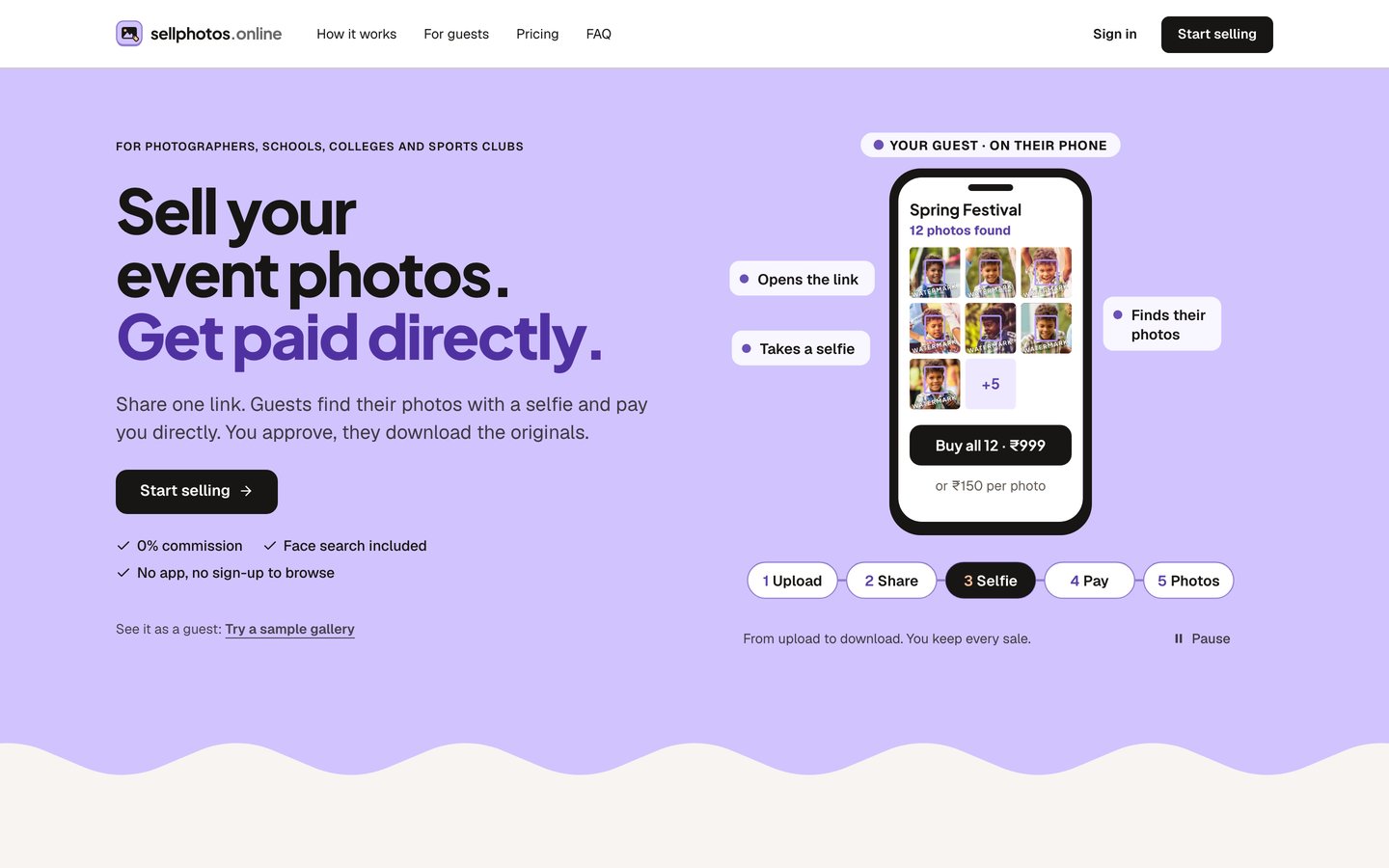
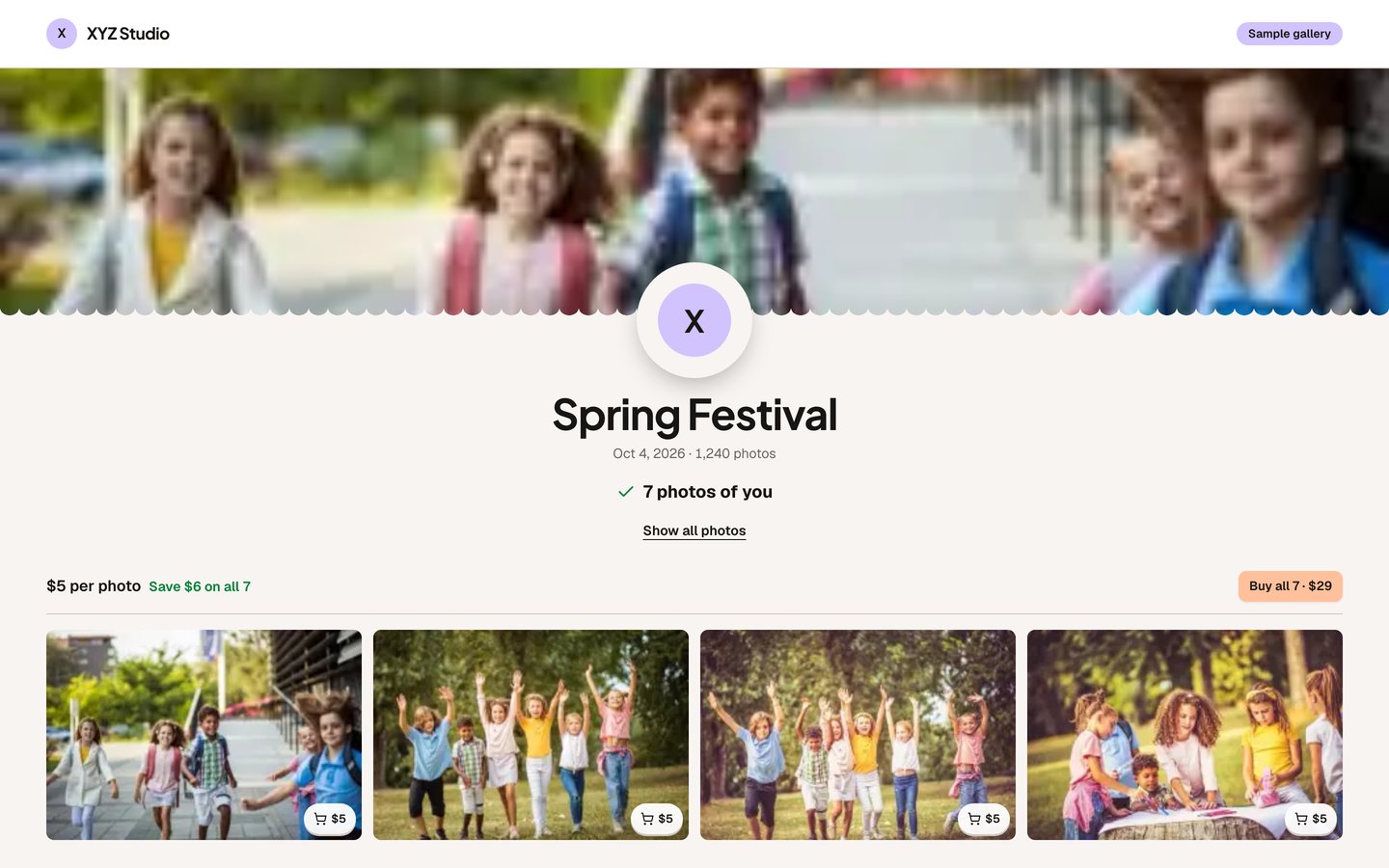
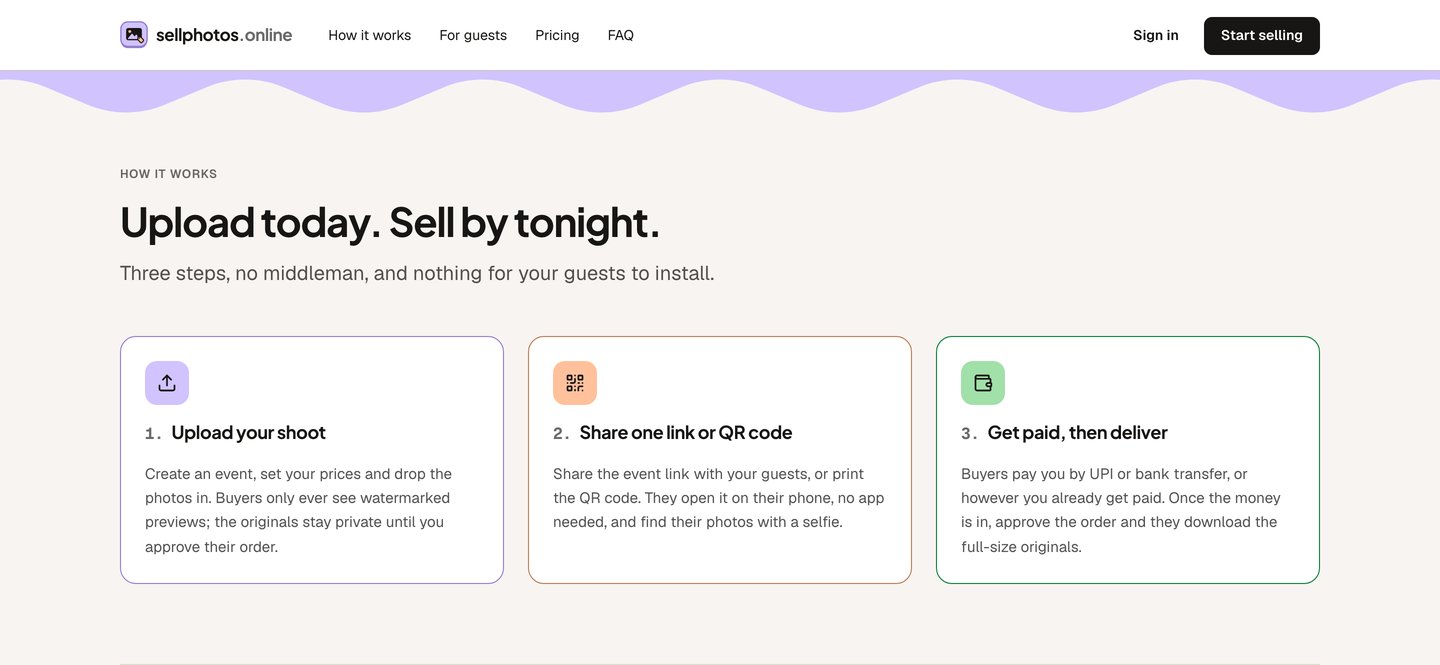
Sell your event photos. Get paid directly.