The story
Insights
Category profile
How it compares to the Developer Tools average.
Related ecosystem
Hover a tool for details, click it to recenter the map.
Overview
Q-Lab is a specialized observability platform for quantum computing research teams. It enables users to track all quantum circuit runs automatically, capturing essential metadata such as qubits, depth, gates, results, and calibration data. By integrating with major quantum providers like IBM Quantum, IonQ, and Amazon Braket, Q-Lab offers a unified dashboard and SDK for managing experiments across different backends.
The platform is designed for ease of use, requiring minimal setup—just a single pip install and one function call to enable auto-tracking. This allows researchers to integrate Q-Lab seamlessly into existing Qiskit or PennyLane workflows without additional configuration.
Q-Lab also features real-time collaboration tools, allowing teams to share projects, annotate runs, and receive live updates. Its AI-powered insights help users surface patterns and trends in their experiments, while cost estimation tools ensure transparency and control over quantum processing unit (QPU) expenses. For publication, Q-Lab provides export and auto-generation tools to streamline the process of sharing reproducible research.
Overall, Q-Lab is aimed at quantum scientists and research teams who need robust experiment tracking, analytics, and collaboration capabilities, all while managing costs and ensuring reproducibility in their quantum computing projects.
Key features
Automatic Experiment Tracking
Every quantum circuit run is automatically captured with all relevant metadata, requiring no additional boilerplate code.
Circuit Analytics
Visualize trends such as gate depth, non-Clifford ratios, and health scores across all experiments in real time.
Multi-Provider Support
Integrates with IBM Quantum, IonQ, Amazon Braket, and more, providing a single SDK and dashboard for all backends.
AI Insights
Leverage AI to ask questions in plain English and uncover patterns in experimental data that may be missed by manual analysis.
Real-Time Collaboration
Share projects, annotate runs, and receive live updates as team members contribute results, with no need to refresh.
Publication Tools
Export figures, auto-generate methods sections, and publish reproducible experiment packages to platforms like arXiv.
Use cases
- 1
Quantum Research Teams
Collaborate on and track quantum experiments across multiple hardware providers with full reproducibility.
- 2
Academic Publishing
Streamline the process of preparing and submitting reproducible quantum research to academic journals or preprint servers.
- 3
Cost Management for Quantum Computing
Estimate and optimize QPU costs before running experiments to avoid unexpected expenses.
- 4
AI-Driven Experiment Analysis
Utilize AI to gain deeper insights and identify trends in quantum experiment data.
FAQ
What quantum hardware providers does Q-Lab support?
Q-Lab supports IBM Quantum, IonQ, Amazon Braket, Rigetti, Azure Quantum, and more.
How do I set up Q-Lab with my workflow?
Install the Q-Lab SDK with pip and enable auto-tracking with a single function call; it integrates seamlessly with Qiskit and PennyLane workflows.
Can I estimate the cost of running quantum circuits before execution?
Yes, Q-Lab provides real-time cost estimates across all supported providers before you submit any circuit runs.
Does Q-Lab support collaboration between team members?
Yes, Q-Lab offers real-time collaboration features, including project sharing, run annotation, and live updates.
Is Q-Lab suitable for preparing research publications?
Yes, Q-Lab includes tools to export figures, auto-generate methods sections, and publish reproducible experiment packages.
Tech stack & tags
Feedback & Discussion
Discussion
Sign in to leave a comment or rating.
No comments yet. Be the first.
More Developer Tools tools
Web infrastructure for AI agents to navigate, authenticate, and automate web workflows at scale.
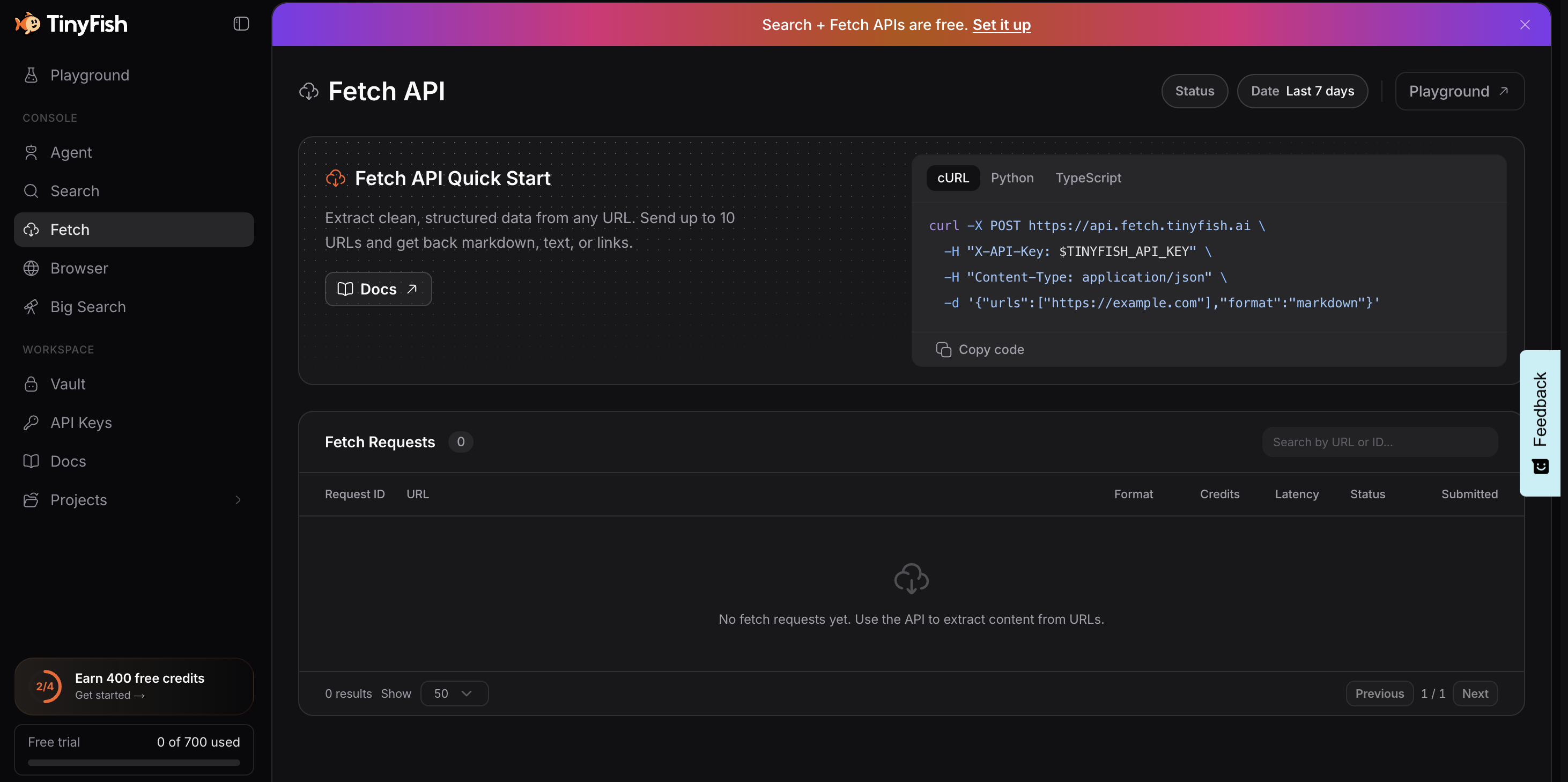
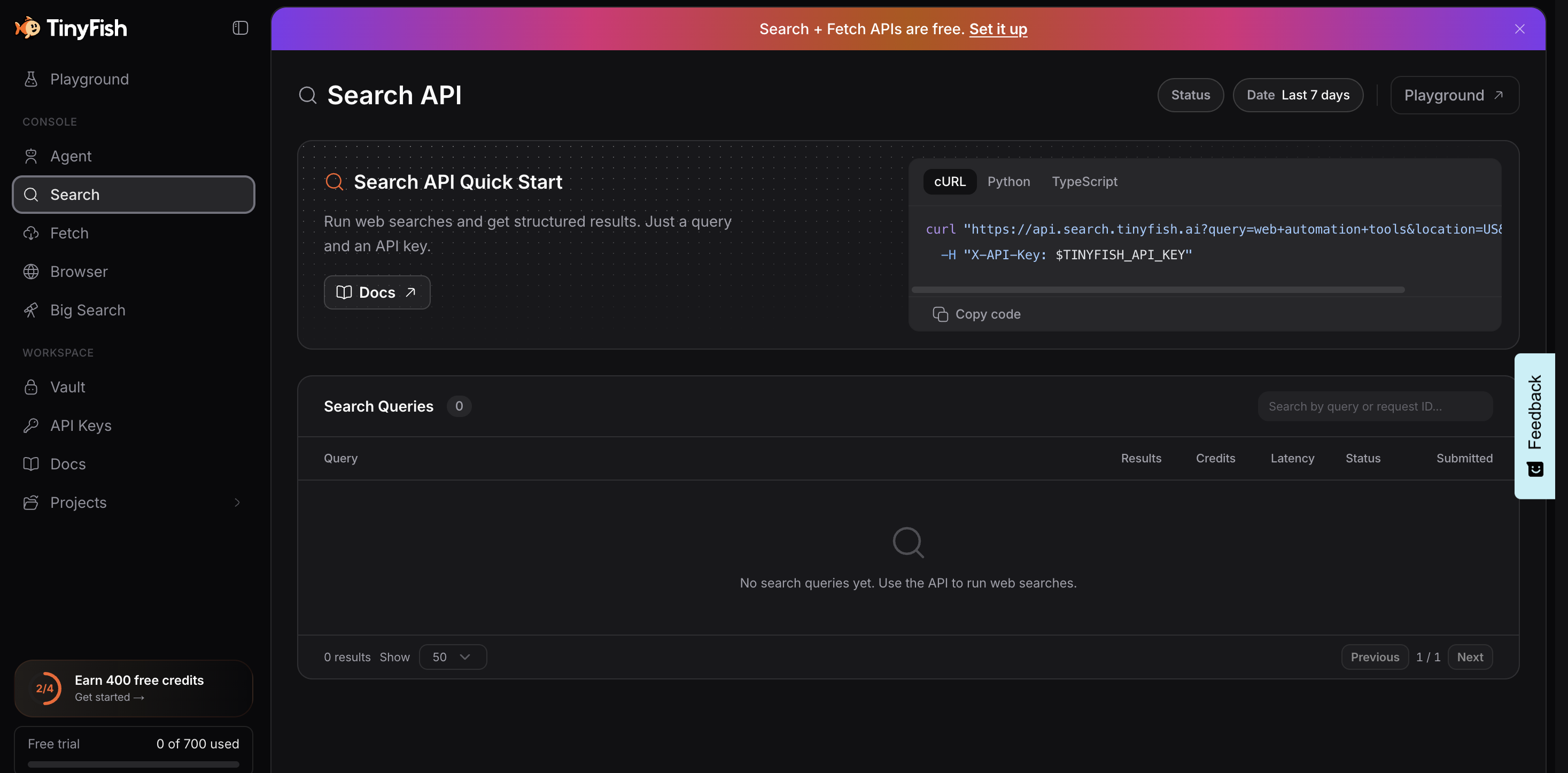

Hosted AI agents and browser infrastructure for web automation

Free browser-based HTML, CSS and JavaScript tools for formatting, minifying, validating, analyzing, generating and testing code.

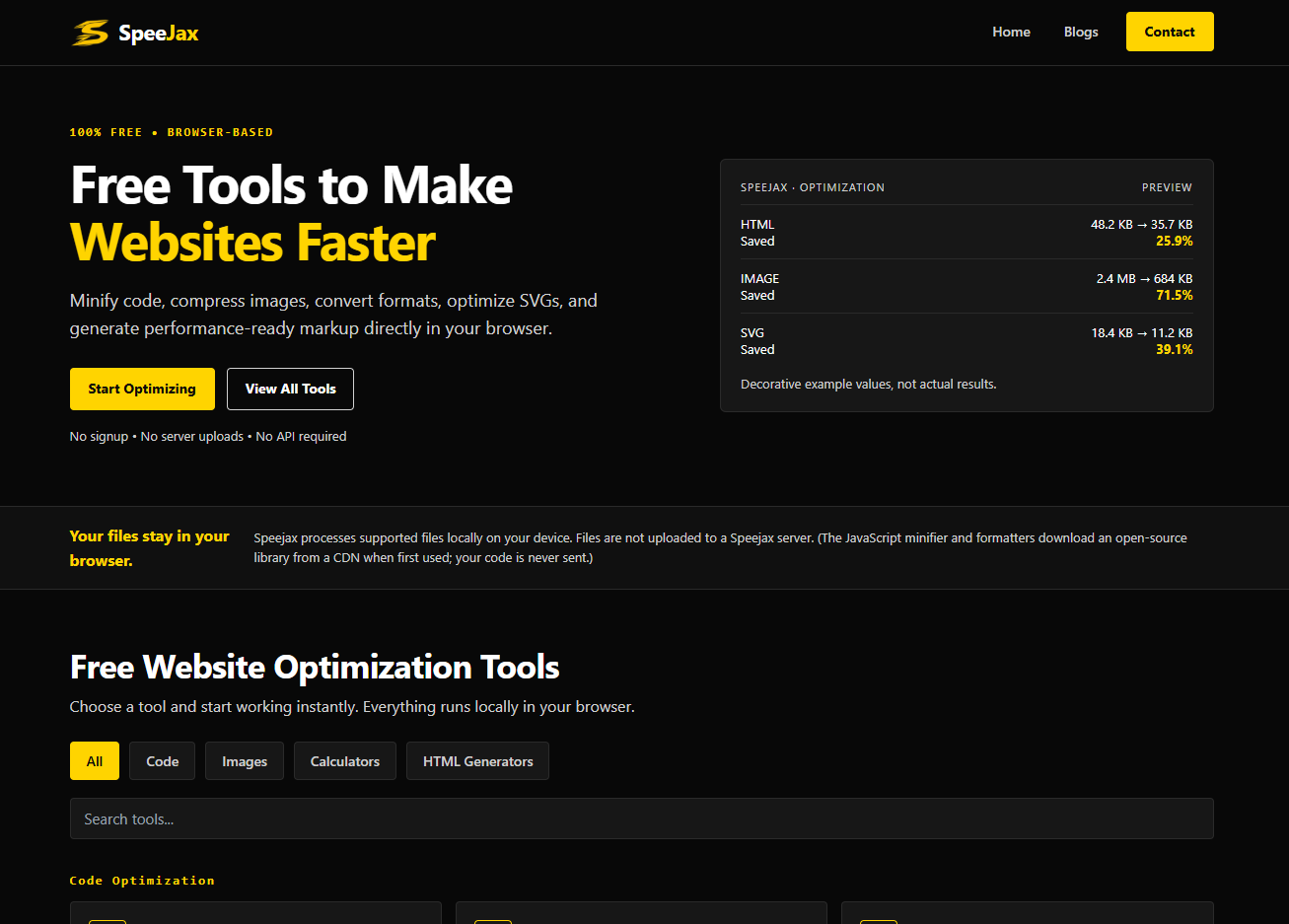
Free browser-based tools to minify code, compress images, and optimize websites for speed.