Browser Use
Hosted AI agents and browser infrastructure for web automation
The story
Overview
Browser Use helps developers automate work on websites without usable APIs. Browser Use Agents carry out tasks from natural-language instructions, while Browser Infrastructure provides managed browsers for your own agents, Playwright scripts, or Puppeteer code. A separate MIT-licensed agent library supports local deployment and customization. Teams use these tools to collect data, complete forms, and retrieve documents from authenticated portals.
Key features
Managed Browser Infrastructure
Run your own agents or automation on remote Chromium browsers using Playwright or Puppeteer over CDP.
Usage-Based Pricing
Browser time costs $0.02 per hour, plus traffic. No subscription is required; hosted agents also incur model costs and a service fee.
Stealth and CAPTCHA Handling
Managed browsers include stealth protections, residential proxy support, and automatic solving for supported CAPTCHAs.
Open-Source Agent Library
Customize the MIT-licensed agent library and run it with a local or cloud browser.
Hosted AI Agents
Describe a web task in natural language and let a hosted agent navigate pages, fill forms, and gather information.
Reusable Login Profiles
Save cookies and local storage to reuse authenticated browser state across sessions; sites may still require a fresh login.
Use cases
- 1
AI Agent Development
Add browser access to your own agent or delegate website tasks to a hosted Browser Use agent.
- 2
Web Data Extraction
Collect product details, prices, and other information from dynamic websites.
- 3
Authenticated Workflows
Retrieve documents, complete forms, and move information between portals that lack usable APIs.
- 4
Browser Testing
Run Playwright or Puppeteer checks on managed Chromium browsers for login flows, forms, and page interactions.
FAQ
How much does Browser Use cost?
Browser time costs $0.02/hour. Traffic is $5/GB through managed residential proxies or $0.20/GB for direct connections or your own proxy; external proxy fees are separate. Hosted agents add model costs plus a 20% service fee. Credits start at $5, with no subscription or expiry.
How do Agents and Browser Infrastructure differ?
Browser Use Agents execute tasks from natural-language instructions. Browser Infrastructure supplies managed browsers that your own agent or automation code controls.
Can I run Browser Use on my own infrastructure?
Yes. The MIT-licensed agent library can run with your own model and browser setup. Managed cloud browsers and hosted agents are separate paid services.
How does Browser Use handle protected sites?
Managed browsers combine stealth protections and residential proxies with automatic solving for supported CAPTCHAs. Access and CAPTCHA solving are not guaranteed; test your target sites.
What integration methods are available?
Use cloud SDKs or REST APIs for hosted services, Playwright or Puppeteer over CDP for direct browser control, and MCP for compatible AI clients.
Tech stack & tags
Feedback & Discussion
Discussion
Sign in to leave a comment or rating.
No comments yet. Be the first.
More Developer Tools tools
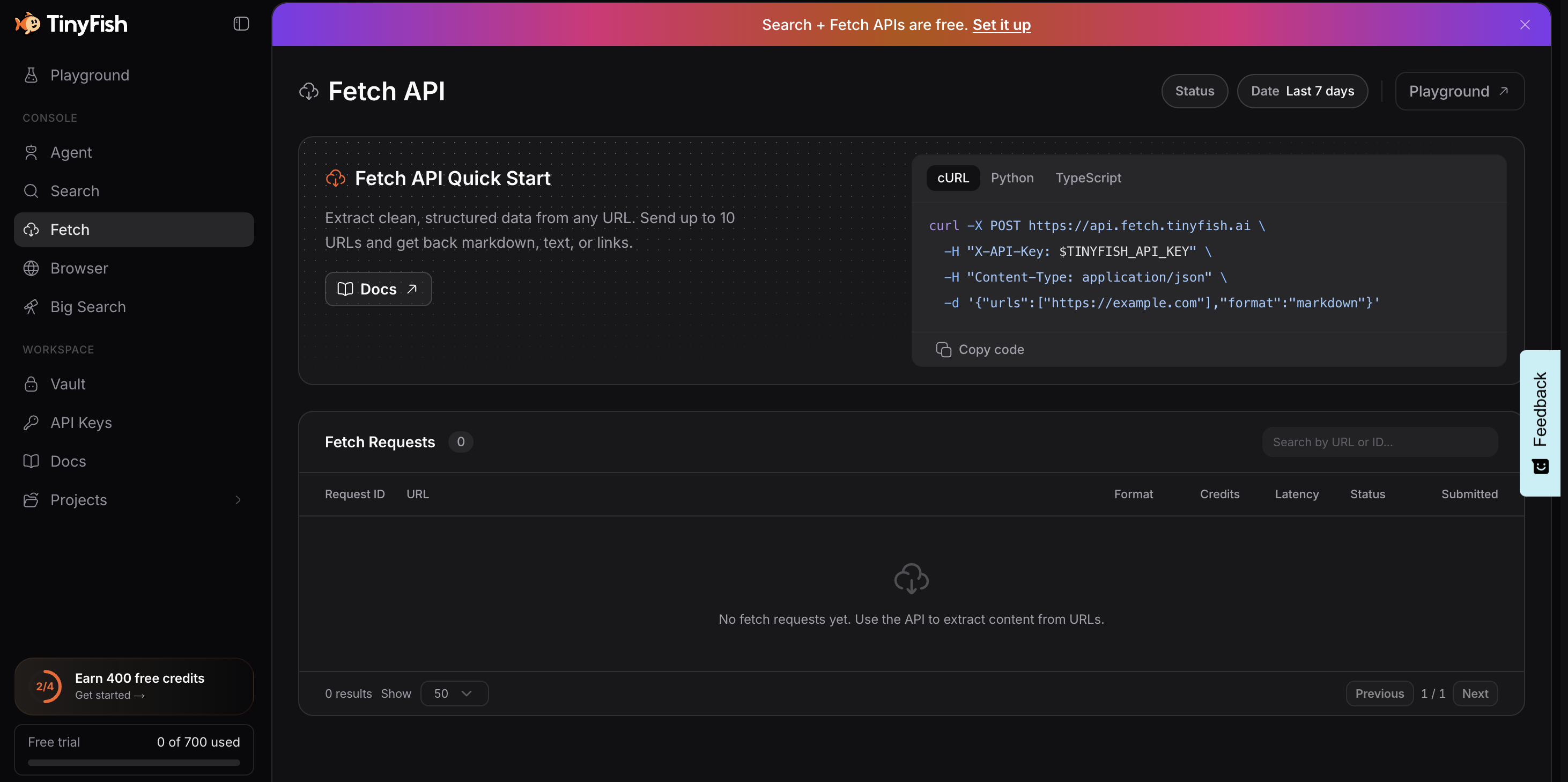
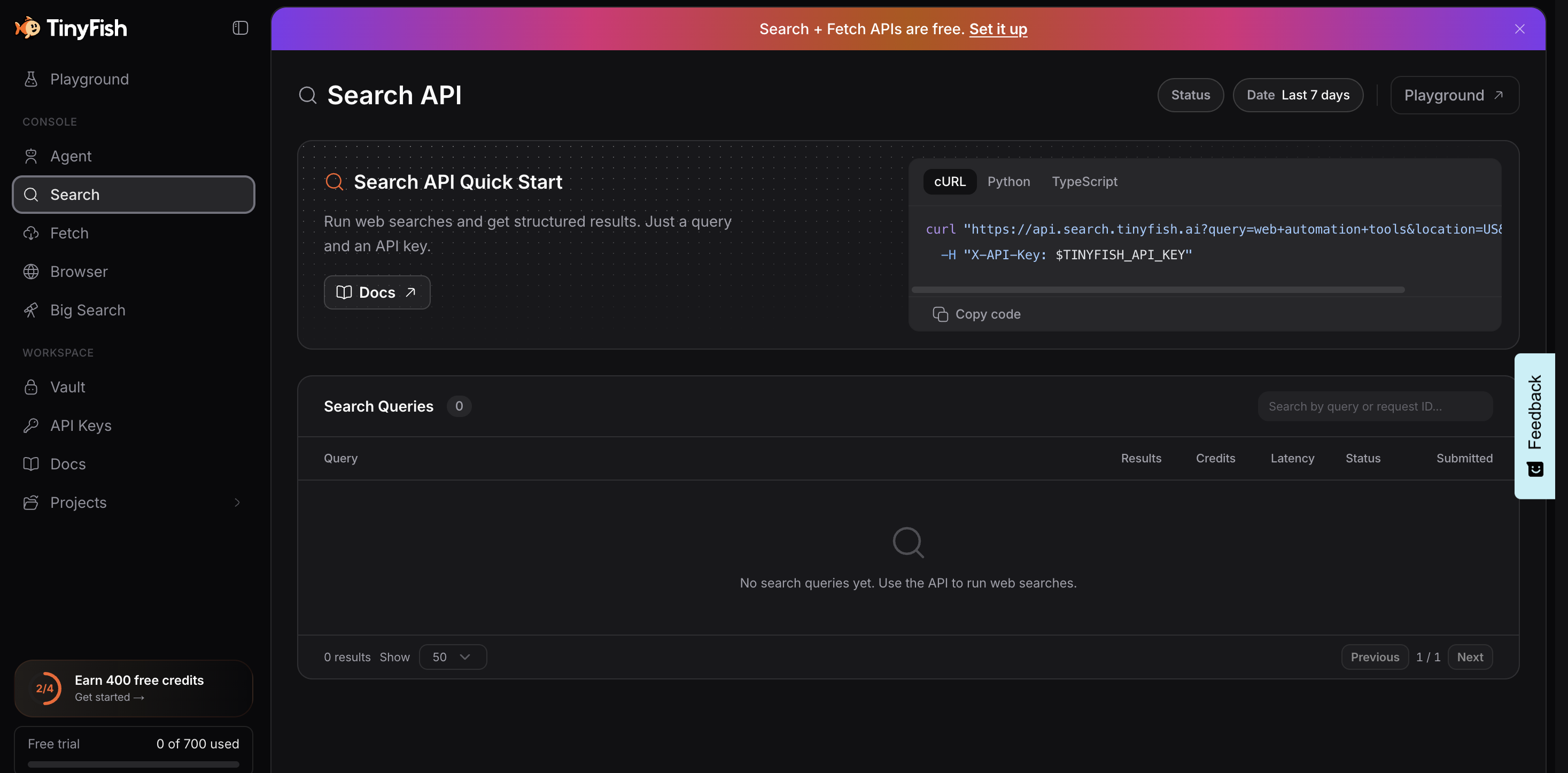
Web infrastructure for AI agents to navigate, authenticate, and automate web workflows at scale.

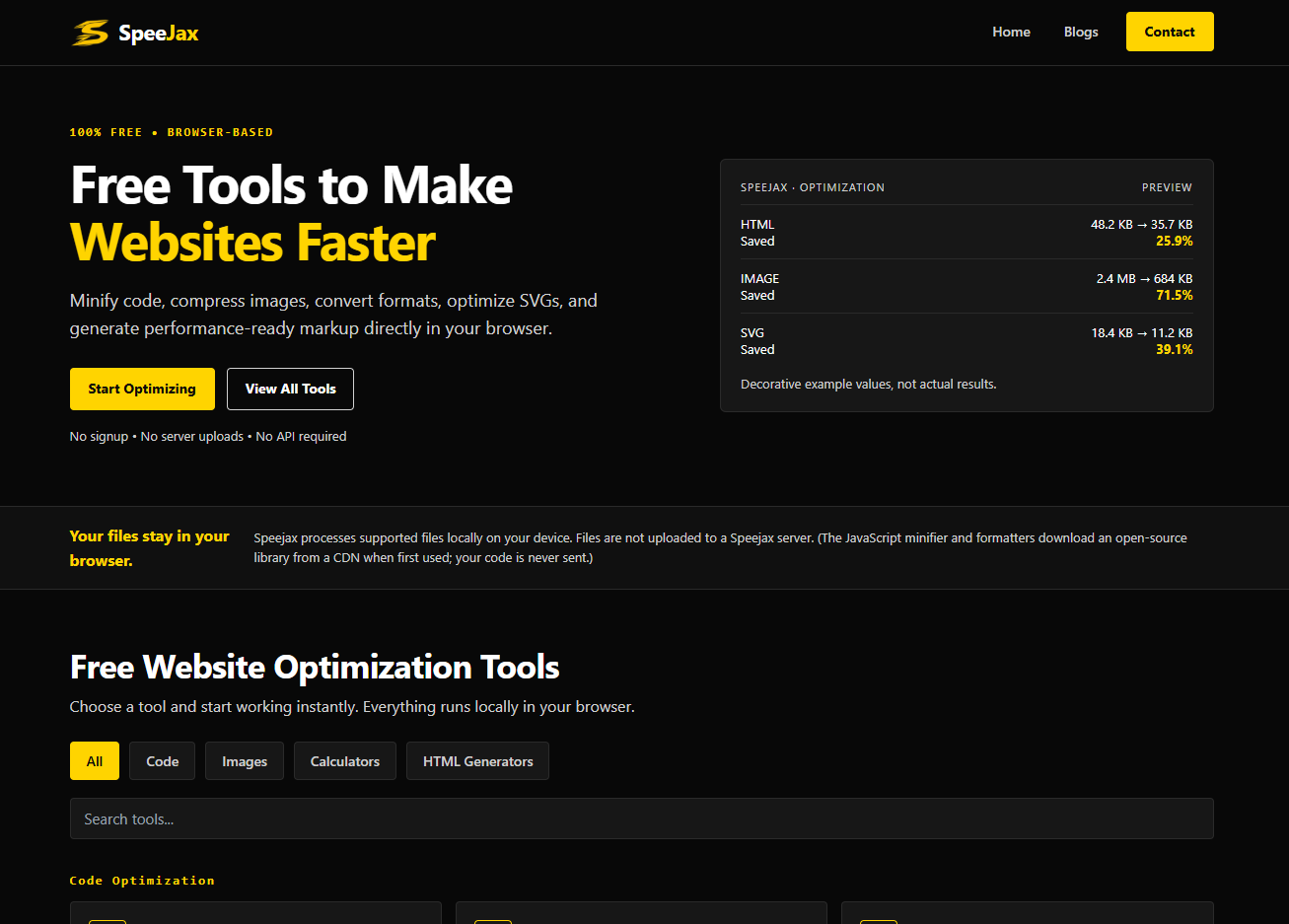
Free browser-based tools to minify code, compress images, and optimize websites for speed.