Stefan Andres Tools
Free browser-based tools for designers and developers to check brand colors, generate icons, and optimize images.
The story
Overview
Stefan Andres Tools is a suite of free, browser-based utilities built for designers and web developers. Each tool focuses on a specific aspect of brand and web optimization, from color accessibility to file compression. The platform emphasizes privacy and speed by running all operations locally in the browser, meaning no files are uploaded to external servers. Users can extract brand colors from logos and verify WCAG contrast compliance, generate multiple icon formats from a single upload, compress and convert images to modern formats like WebP and AVIF, minify CSS and JavaScript for faster page loads, and perform on-page SEO audits with performance metrics. The tools are designed to be reusable utilities rather than one-time solutions, making them valuable for ongoing brand and web maintenance workflows.
Key features
Palette & Contrast Checker
Upload a logo to automatically extract brand colors and verify WCAG AA and AAA contrast compliance for accessibility.
Icon & Favicon Generator
Convert a single image into all required icon formats including favicon, iOS and Android app icons, and social profile pictures.
Web Image Optimizer
Compress images and convert them to modern formats like WebP and AVIF while resizing for optimal web performance.
CSS Minifier
Strip whitespace and redundancy from stylesheets to reduce file size and improve page load times.
JS Minifier
Compress and safely mangle JavaScript code while optionally preserving console logs and license comments.
SEO & Performance Check
Enter a URL to receive instant analysis of on-page SEO elements, Core Web Vitals, and performance scores.
Use cases
- 1
Brand Color Verification
Designers can verify that brand color combinations meet accessibility standards before finalizing brand guidelines.
- 2
Icon Asset Generation
Developers can quickly generate all required icon sizes and formats from a single source file for multi-platform deployment.
- 3
Web Performance Optimization
Teams can compress images and minify code to reduce page load times and improve Core Web Vitals scores.
- 4
SEO Auditing
Website owners can quickly check on-page SEO elements and performance metrics to identify optimization opportunities.
FAQ
Do my files get uploaded to a server?
No. All tools run directly in your browser and nothing is uploaded or stored on any server. Your files stay local on your device.
What image formats does the favicon generator support?
The tool accepts AI, EPS, PDF, PNG, JPG, and SVG files and generates favicon, iOS and Android app icons, and social profile pictures.
What image formats can the optimizer convert to?
The web image optimizer can compress and convert images to WebP and AVIF formats for improved web performance.
What WCAG contrast levels does the checker verify?
The contrast checker verifies both AA (4.5:1 for normal text, 3:1 for large text) and AAA (7:1 / 4.5:1) compliance levels.
Can I minify multiple files at once?
The CSS and JS minifiers accept single files via upload or paste. The image optimizer supports multiple images in one batch.
Tech stack & tags
Feedback & Discussion
Discussion
Sign in to leave a comment or rating.
No comments yet. Be the first.
More Developer Tools tools
Web infrastructure for AI agents to navigate, authenticate, and automate web workflows at scale.
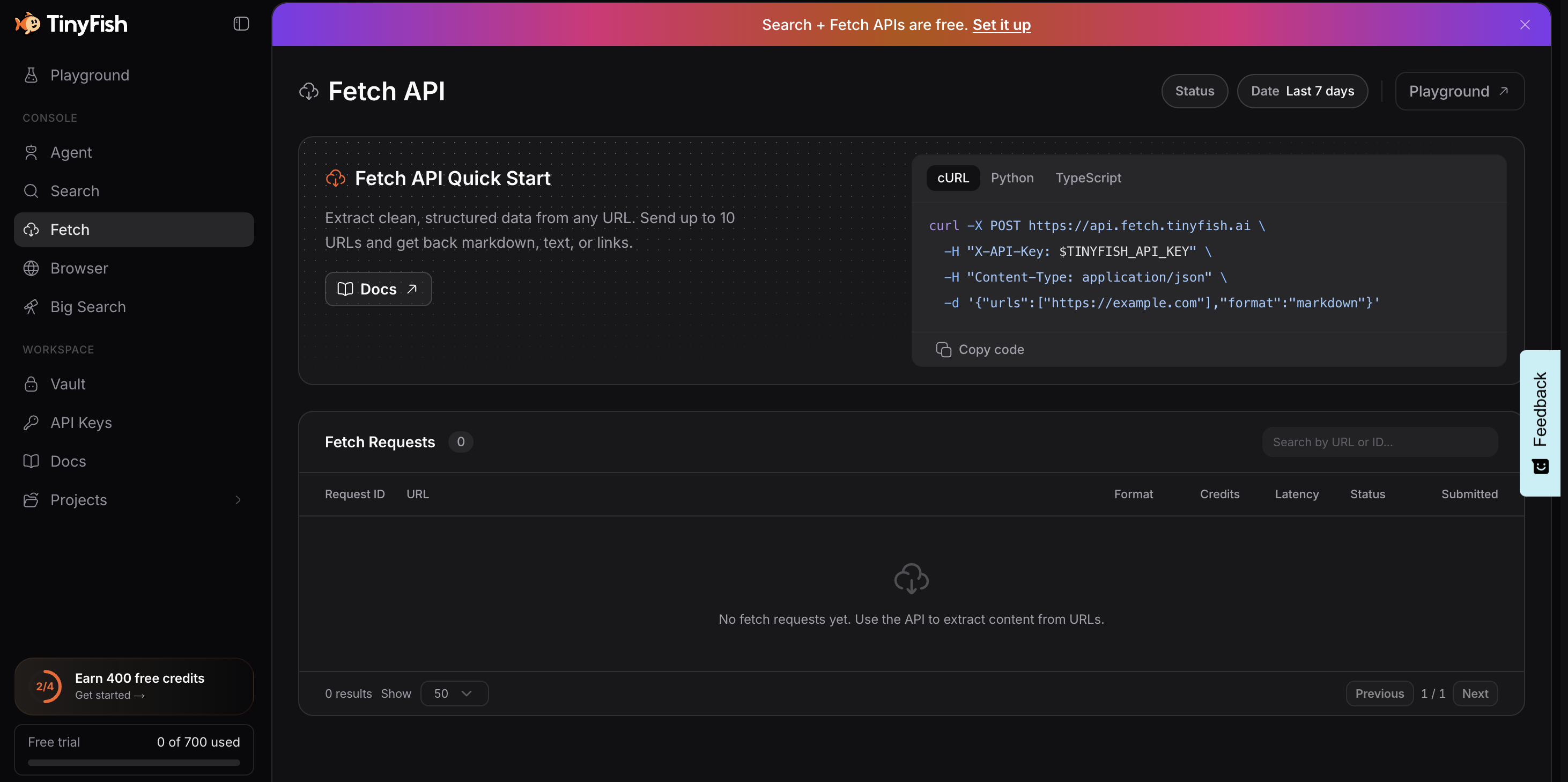
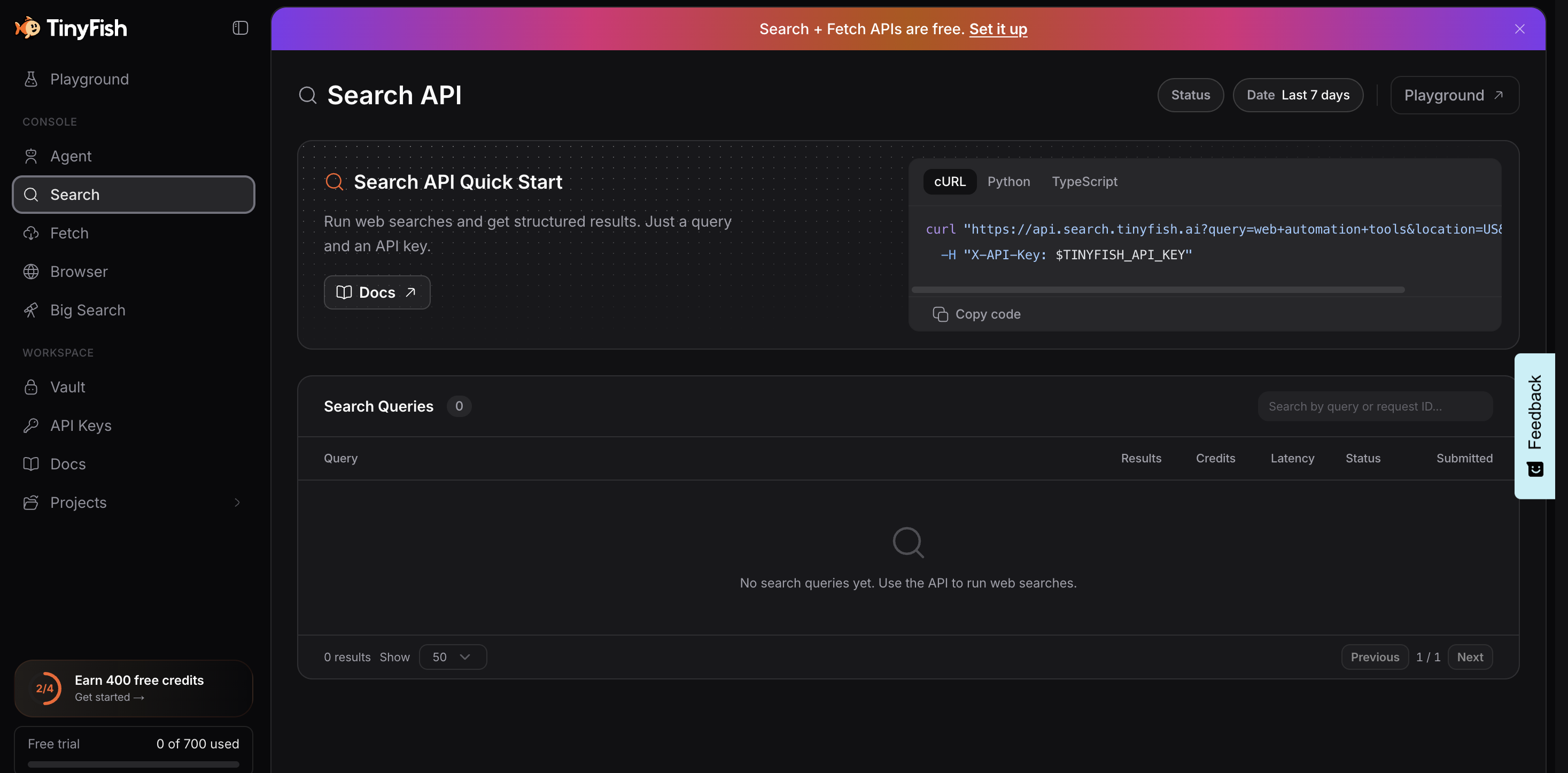

Hosted AI agents and browser infrastructure for web automation

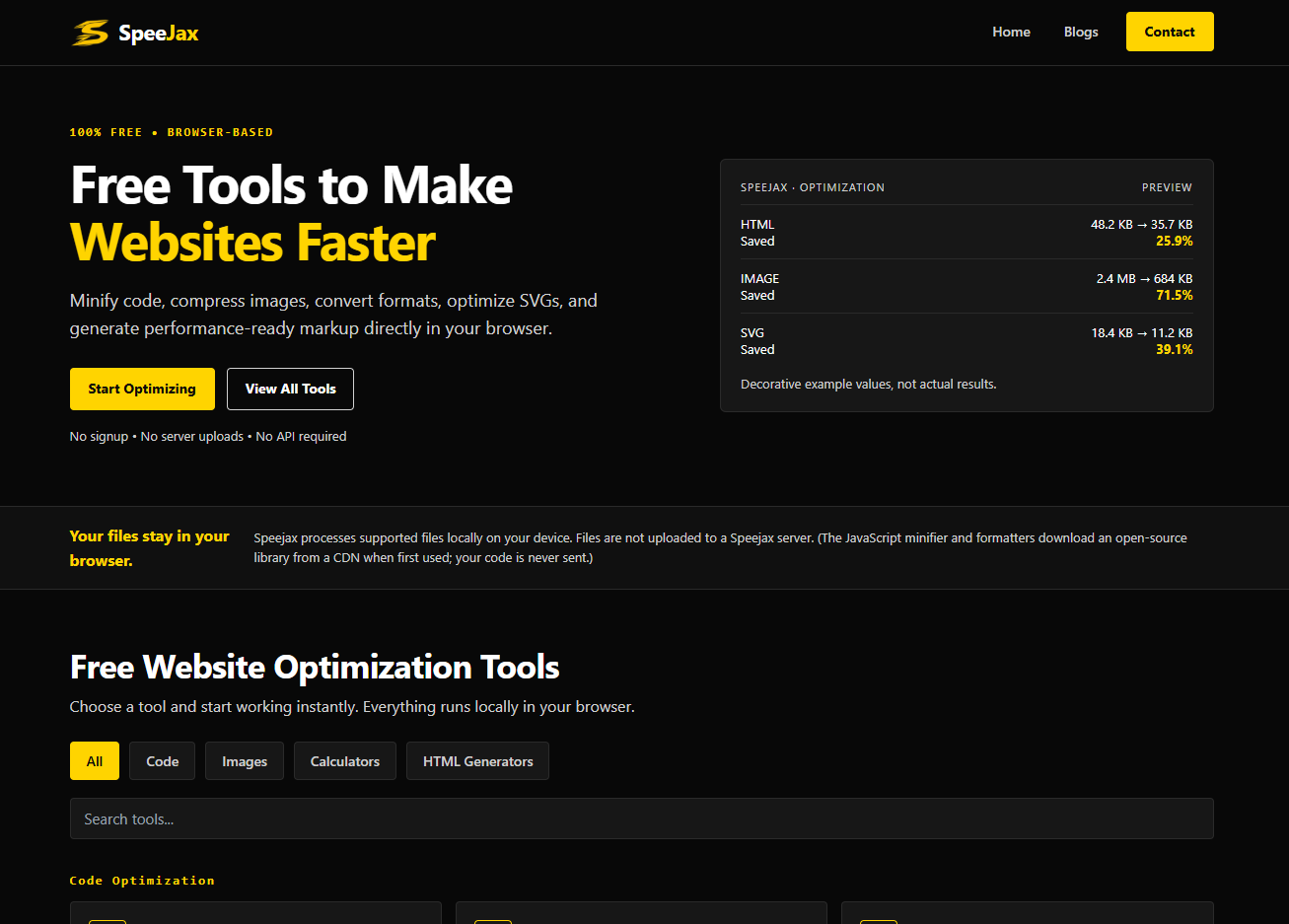
Free browser-based HTML, CSS and JavaScript tools for formatting, minifying, validating, analyzing, generating and testing code.

Free browser-based tools to minify code, compress images, and optimize websites for speed.