ToolStudio.es
Online tools for designers and creators
The story
Overview
ToolStudio.es is a web-based toolkit designed for designers, developers, and content creators who need quick file conversions and optimizations. The platform offers over 100 specialized tools organized by category: design (PDF to Figma conversion, color space conversion), documents (PDF compression, format conversion), images (vectorization, compression, resizing), privacy (metadata removal), video (downloading, subtitle translation), audio, and development (JSON/CSV/XML formatting). The suite includes AI-powered features like background removal, image upscaling, logo generation, and watermark removal that consume credits from a monthly allowance. All tools operate entirely in the browser without requiring file uploads to external servers, prioritizing user privacy. The free tier provides access to all tools with limited AI credits, while the Pro subscription (1.99 euros per month) includes 100 AI credits monthly and additional features.
Key features
PDF to Figma Conversion
Extract vectors, illustrations, and typography from PDFs directly into Figma as editable native frames and paths.
AI Image Tools
Remove backgrounds, upscale photos, erase watermarks, vectorize logos, and generate new logos from text descriptions.
Format Conversion
Convert between 50+ file formats including PDF, DOCX, SVG, PNG, JPG, WebP, JSON, CSV, YAML, and XML.
Metadata Management
View and edit EXIF, XMP, IPTC metadata in images and PDFs, or remove all metadata while preserving image quality.
SVG Optimization
Shrink SVG files by removing editor metadata, reducing coordinate decimals, and eliminating unused elements.
Color Space Conversion
Transform RGB PDFs to print-ready CMYK with ISO ICC profiles and convert between HEX, RGB, CMYK, HSL, and LAB color spaces.
Use cases
- 1
Print Designers
Prepare files for commercial printing with RGB to CMYK conversion, preflight checking, and metadata management.
- 2
Web Developers
Format and validate JSON, convert between data formats, generate favicons and PWA icons, and optimize SVG assets.
- 3
Content Creators
Download videos from YouTube and Instagram, translate subtitles, remove backgrounds from photos, and upscale low-resolution images.
- 4
Privacy-Conscious Users
Remove GPS location and metadata from photos and PDFs without recompressing files or uploading to external servers.
FAQ
Do I need to upload files to use these tools?
No. All tools run entirely in your browser without uploading files to external servers, protecting your privacy.
What is included in the Pro subscription?
ToolStudio Pro costs 1.99 euros per month and includes 100 AI credits every month for tools like background removal, image upscaling, and logo generation.
Can I use AI tools for free?
Yes. AI tools are available free with your account but consume credits. Pro subscribers receive 100 credits monthly.
What file formats are supported?
ToolStudio supports over 100 file formats including PDF, DOCX, SVG, PNG, JPG, WebP, AVIF, JSON, CSV, YAML, XML, and many others.
Is there a limit to file size?
The page does not specify file size limits for individual tools.
Tech stack & tags
Feedback & Discussion
Discussion
Sign in to leave a comment or rating.
No comments yet. Be the first.
More Design tools
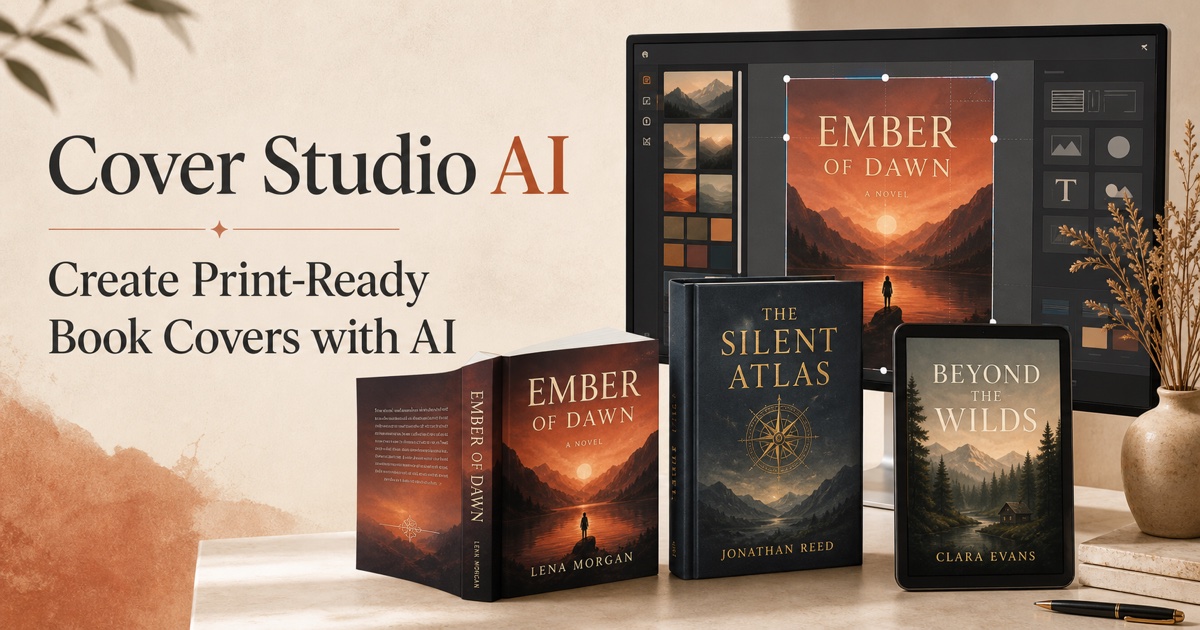
AI-powered book cover generator for Amazon KDP with print-ready exports